If you have used Beautiful.ai for a while, you have probably noticed the same thing many others feel. It is helpful, but it can also feel limiting when you need more control or stronger storytelling.
Sometimes the slides look good, but the flow does not match the way you want to share your ideas. Other times, you want the AI to do more of the work for you.
The good news is that 2025 has brought a fresh wave of AI presentation tools. They are faster, easier to use, and more flexible.
Whether you're looking for a free Beautiful.ai alternative, a tool like Gamma AI that excels with long content, or something that integrates seamlessly with Google Slides like Plus AI, there is a solution that fits your workflow.
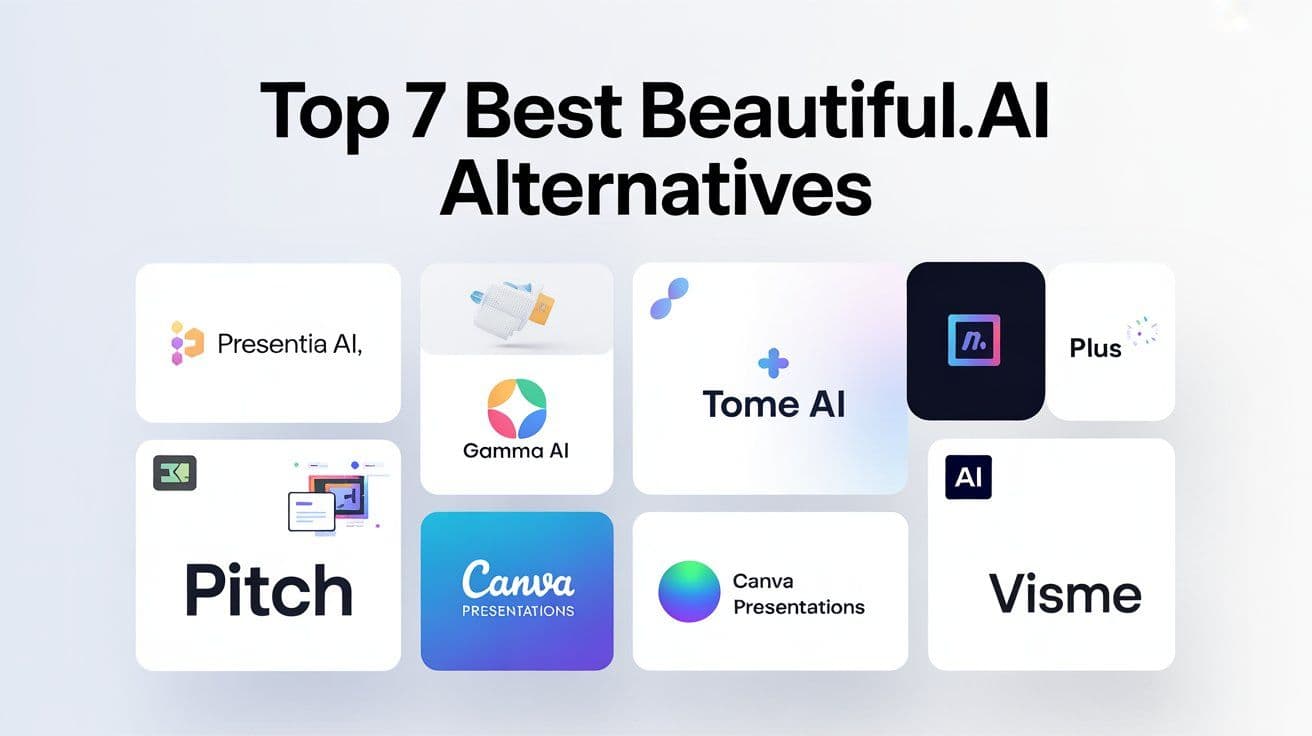
In this guide, I will walk you through the seven best Beautiful.ai alternatives based on real usage, presentation testing, and hands-on experience with SaaS teams, founders, and educators.
Presentia AI is at the top of the list because it balances design, automation, and storytelling better than most tools available today.
Let’s explore your options.
1. Presentia AI: The Best Beautiful.ai Alternative in 2025
Presentia AI stands out because it feels like a tool that understands the story behind your presentation, not just the layout of your slides. When I tested it, I used the same long startup pitch that I had earlier created on Beautiful.ai. With Beautiful.ai, I still had to rewrite parts of the content and reorder slides to create a cleaner narrative. Presentia AI handled this on its own.
Why Presentia AI Works Well
It creates a full presentation flow, not just loose slides
The AI writes strong key points and headlines
Themes stay consistent throughout the deck
Customization is simple
Exporting to PowerPoint or Google Slides is smooth
Who It’s Best For
Founders, marketers, SaaS teams, educators, and agencies who want a polished deck in less time and with fewer design edits.
Presentia AI is the closest tool to Beautiful.ai but offers better guidance and more flexibility.
2. Gamma AI: A Popular and Easy Beautiful.ai Alternative
Gamma AI is one of the tools people often compare with Beautiful.ai, especially when searching for Beautiful.ai vs Gamma. It focuses more on long form content and turning text into structured, easy to read slides.
Why Many People Prefer Gamma AI
It handles long documents extremely well
It can create slides, documents, and webpage style layouts
It has a friendly editor that makes changes quick
The free version is useful for simple decks
If you often work with articles, scripts, or detailed notes, Gamma AI can save you a lot of editing time.
3. Plus AI: Great for Google Slides Users
If your workflow lives in Google Workspace, Plus AI will fit right in. It works inside Google Slides and Docs, which makes your process simple and familiar.
Why Plus AI is a Strong Alternative
It can rewrite and redesign existing slides
Works natively inside Google Slides
It is ideal for teams who prefer Google’s ecosystem
Real Use Case
I once had a 40 slide internal operations deck that needed cleaning. Instead of rebuilding it from scratch on Beautiful.ai, Plus AI redesigned and reorganized everything directly within Slides. It saved me hours of manual work.
4. Tome AI: Best for Visual and Modern Storytelling
Tome AI is a good choice if you want a modern, visually rich presentation. The layouts feel more interactive compared to traditional slide tools.
What You Get With Tome
Smooth animations
Strong AI image generation
Layouts that look different from typical slides
It is especially good for product demos, creative pitches, and visual explanations.
5. Pitch: The Best for Teams and Collaboration
Pitch is designed for teams that work together on decks. It is clean, fast, and provides plenty of templates.
Why Teams Choose Pitch
Real time collaboration
Lots of ready to use templates
Strong version control
If you create product updates, sales decks, or weekly team presentations, Pitch gives you more structure than Beautiful.ai.
6. Canva Presentations: A Flexible and Familiar Choice
Canva is widely known for all types of designs, and its presentation tool has become stronger with AI features.
Why Canva is a Good Replacement
Huge variety of templates
Very simple editing
Good AI layout and design helpers
If you want creative freedom or a tool that covers many design needs beyond presentations, Canva is an easy pick.
7. Visme: Great for Data and Professional Reporting
Visme is built for people who create charts, dashboards, and data heavy slides. It has a more business focused feel.
What Makes Visme Useful
Infographic templates
Tools for analytics visuals
Strong brand controls
Beautiful.ai is more focused on visual design, while Visme helps you communicate data clearly.
Comparison Table: Which Tool Fits Your Needs?
Conclusion
If Beautiful.ai feels limiting or too structured, you have many better choices in 2025. Presentia AI is the best overall alternative because it creates full story driven presentations with minimal editing. Gamma AI, Tome, Plus AI, and the others each offer something unique, depending on what you need.
Try one or two tools, see what feels natural, and let the AI handle the heavy work while you focus on your ideas.
FAQs
1. What is the best Beautiful.ai alternative in 2025?
Presentia AI is the best option for most users because it balances speed, design, and content structure.
2. Is Gamma AI better than Beautiful.ai?
It is better for long content and structured storytelling.
3. Which Beautiful.ai alternatives are free?
Gamma AI, Tome, Plus AI, Canva, and Pitch all offer free plans.
4. Is Plus AI good for presentations?
Yes. It is especially useful if you work in Google Slides.
5. What is the best AI tool for pitch decks?
Presentia AI and Pitch are both great, depending on whether you want AI automation or team collaboration.
6. Can Tome AI replace Beautiful.ai?
Yes, particularly if you prefer visual and animated layouts.
7. Which tool has the best templates?
Canva and Pitch offer the largest template libraries.
8. Is Beautiful.ai still worth using in 2025?
Yes, though many tools now offer more flexibility and smarter automation.
9. What is the easiest AI presentation tool to learn?
Gamma AI and Presentia AI are very beginner friendly.
10. Which tool is best for Google Slides?
Plus AI is the best choice for Google Slides users.