If you have ever opened Canva, designed a few slides, and suddenly felt limited, you are not the only one. Canva is good, but sometimes you want something faster, smarter, or simply different.
Maybe you want better AI features. Maybe you want a free design tool without constant upgrades. Or maybe you want something that feels more flexible.
Here is the truth. In 2025, the design world is filled with tools that offer stronger features, better layouts, and smarter AI than Canva.
Some are completely free. Some are better for video. Some give you the creative control Canva never allowed.
So if you are coming from Reddit suggestions, Google searches, or personal frustration, this guide will help you find the best Canva alternatives for your goals.
Let’s explore the top options.
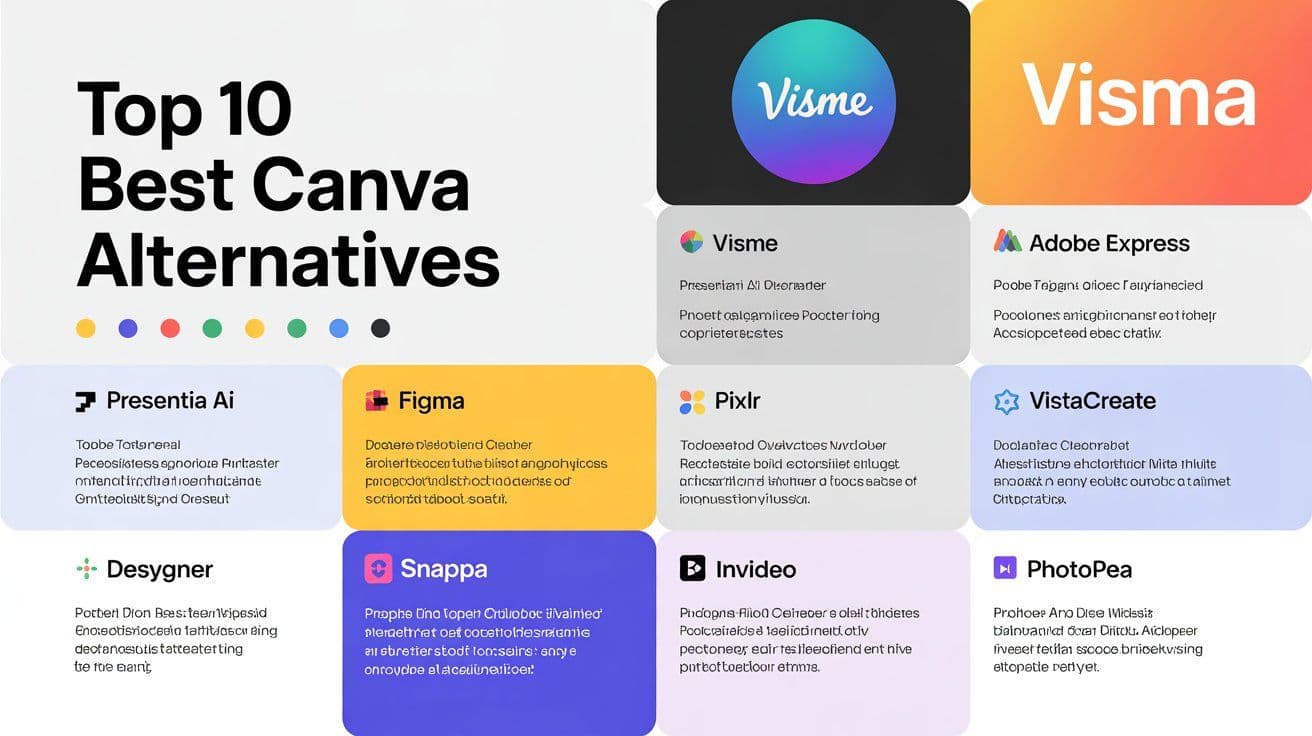
Top 10 Best Canva Alternatives in 2025
Presentia AI
Visme
Adobe Express
Figma
VistaCreate
Pixlr
Desygner
Snappa
InVideo
Photopea
1. Presentia AI – The Best Canva Alternative in 2025
If Canva had a younger sibling that grew up loving design and automation, it would be Presentia AI.
This tool focuses on turning plain text into ready-to-use slides, visuals, and social media posts. It is simple, fast, and ideal if you want to save time.
Why Presentia AI Stands Out
Creates complete presentations and graphics using AI
Clean designs with smooth spacing and balanced colors
Excellent for pitch decks, marketing slides, and branding
Supports exporting in multiple formats like PPT and PDF
Works well for teams
When I tested Presentia AI for a SaaS deck, what usually took me four hours on Canva took about seven minutes here. It felt almost unreal.
Best For
Pitch decks Business presentations Social media graphics Fast design creation
Visme is a strong choice if you need data visuals, charts, reports, or professional documents. It feels more focused on business presentations than Canva.
Why It Works
Strong charts and infographics
Smooth animations
More layout control than Canva
Great branding features
Businesses often prefer it because the designs feel more polished for client presentations.
3. Adobe Express – Best for High Quality Visuals
Adobe Express is perfect for people who want quick design tools but with Adobe level quality.
What Makes It a Good Canva Replacement
Access to premium fonts and assets
Stylish photo filters
Strong AI image tools
Syncs with Photoshop and Illustrator
Creating social content feels easier here when you want something visually crisp.
4. Figma – Best for UI and Creative Freedom
Figma is not open source, but it feels like it because of the community plugins and collaboration options.
Why Creators Love It
Free to start
Amazing for teamwork
Great plugin library
Perfect for website and app design
If you ever felt restricted by Canva’s drag and drop limitations, Figma gives you real design freedom.
5. VistaCreate – Best Free Online Alternative to Canva
VistaCreate, once known as Crello, is one of the easiest Canva style tools with a large free template library.
Why It Is Popular
Lots of ready templates
Simple animations
Fewer locked elements
Good for beginners
Many Reddit users recommend it as one of the best free Canva alternatives online.
6. Pixlr – Best for Photo Editing
Pixlr feels like a lightweight browser version of Photoshop.
Why It Works Well
Advanced editing tools
Strong background remover
Great filters
Fast performance
If your work involves thumbnails, social posts, or product images, Pixlr saves time.
7. Desygner – Best Mobile Friendly Canva Alternative
If you design from your phone, this is the best option.
Why Desygner Helps
Very light app
Smooth editing on Android and iOS
Lots of free templates
Perfect for quick posts
It is a great pick for people who run their brand from their mobile.
8. Snappa – Best for Quick and Simple Design
Snappa is one of the easiest tools you will ever use.
Why People Choose Snappa
Very simple interface
Great for beginners
Lots of social media sizes
Fast exporting
If Canva feels busy or slow, Snappa is refreshing.
9. InVideo – Best Canva Alternative for Video Editing
If you use Canva for videos or short reels, InVideo is a major upgrade.
What You Get
AI script to video
Stock footage
Advanced editing options
Templates for ads and reels
Your videos instantly look more professional with this tool.
10. Photopea – Best Free Photoshop Style Tool
Photopea works inside your browser and supports many professional file types.
Why It Is Useful
Similar to Photoshop
Works with PSD and Sketch files
Free to use
Precise editing tools
If you want more control and layers, this is the tool.
Comparison Table
Conclusion
The best Canva alternative depends on what you need. If you want the strongest AI design experience, go with Presentia AI. If you want stronger business visuals, choose Visme. If you want video focused editing, try InVideo. If you want open style creativity, go with Figma or Photopea.
You now have more choices than ever. Choose the one that fits your workflow and start creating designs that feel natural, smart, and truly yours.
FAQs
1. What is the best free Canva alternative?
Presentia AI, VistaCreate, Photopea, and Desygner offer strong free plans.
2. Which Canva alternative has the best AI?
Presentia AI currently offers the fastest and cleanest AI design generation.
3. What Canva alternative works best on Android?
Desygner and Adobe Express perform better than Canva on mobile.
4. Are there open source Canva alternatives?
Figma and Photopea have community ecosystems similar to open source projects.
5. Which Canva alternative is good for video?
InVideo and CapCut are much more powerful than Canva for video editing.
6. Which Canva alternative feels closest to Canva?
VistaCreate provides a similar layout but with fewer locked features.
7. Is Canva still useful in 2025?
Yes, but many tools now provide stronger AI and more editing freedom.