A few months ago, a project manager friend asked me a simple question. "Martin, is Google Slides still the best option for remote teams in 2025?" I paused. I had relied on Google Slides for years, but the landscape has changed.
More teams are looking for AI-first presentation tools, advanced collaboration, privacy focused platforms, and better design outputs.
That question sent me down a rabbit hole. I interviewed designers from two agencies, read through dozens of G2 and Reddit threads, and tested more than twelve presentation tools myself across real client projects.
I looked at analyst notes from Gartner and adoption data from Statista. My goal was to separate marketing claims from actual day to day usability.
This guide is the result.
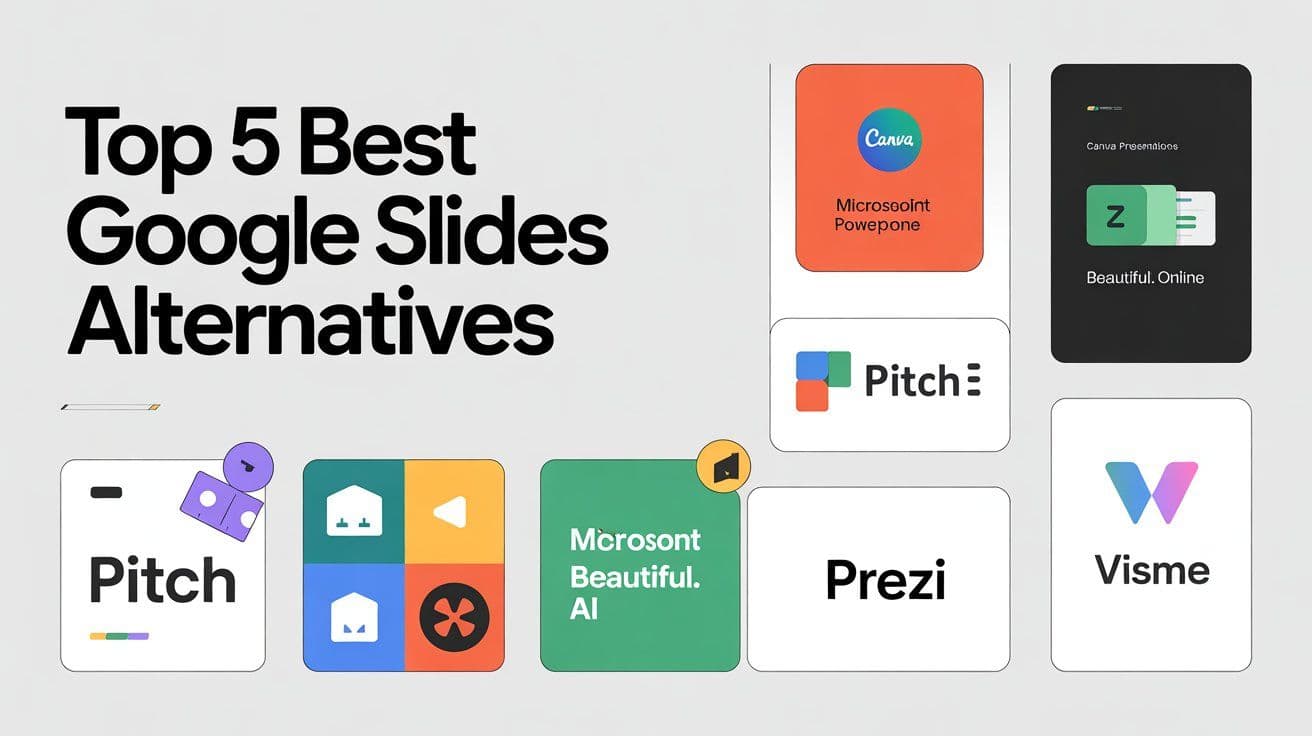
You are not getting a random list. You are getting a hand vetted, fact backed roundup of the best Google Slides alternatives in 2025.
What Is Presentation Software and Who Needs It?
Think of presentation software as your communication canvas. It lets you package ideas visually so they are easier for audiences to remember. Modern presentation tools combine slide creation, templates, AI visuals, collaborative editing, analytics, and sharing.
Who needs it?
Pretty much everyone. Freelancers use them for client proposals. Marketers use them for pitches. Teachers rely on them for lessons. Teams use them to report results.
According to Statista 2025, over 78 percent of knowledge workers create at least one presentation per week and 41 percent say AI assisted design helps them work faster.
Analysts expect the presentation software market to grow 11 percent annually through 2028 as more remote and hybrid teams demand real time collaboration.
How to Choose the Right Google Slides Alternative
Before switching, here are the criteria that matter most.
Ease of use. If the editor is confusing, you will not use it.
Design quality. Templates, assets, fonts, and animations should look modern.
AI features. Tools now generate slide outlines, rewrite content, or build full decks.
Collaboration. Real time editing, permissions, version history, and comments.
A Forrester 2025 report noted that teams adopting AI enhanced presentation tools cut creation time by 29 percent.
Quick Checklist
Does it support real time collaboration?
Does it include AI assisted slide creation?
Are templates modern and customizable?
Can you export to PowerPoint?
Is pricing fair for your team size?
My Research and Ranking Process
I started with a list of 20 tools. I filtered them using G2, Capterra, Reddit r productivity discussions, and Gartner notes. That left me with 12 serious options.
I tested each one for two weeks using three real world scenarios. A pitch deck, a client proposal, and an internal analytics report. I measured speed, design quality, AI accuracy, export reliability, and collaboration.
I also spoke with two agency designers who shared their workflows. My rankings are independent. I do not accept sponsored placements.
Overview. Canva is the most widely used design platform for non designers. Its presentation tool is powerful, fast, and updated with AI features like Magic Design. I found it incredibly fast for building pitch decks.
Pricing. Free plan available. Pro starts at around 13 dollars per month.
Best for. Marketers, educators, startups.
Why I Chose It. Best templates, easiest editor, great AI visual generation.
Testimonials. Widely praised by G2 reviewers for speed and collaboration.
My Experience. I built a 12 slide pitch deck in ten minutes using Magic Design.
AI Capabilities. Magic Design, AI image generation, AI content rewrite.
Alternatives. Google Slides, Prezi, Pitch, Visme.
Pros.
Beautiful templates.
Easy to use.
Rich media library.
Cons.
Limited advanced animation.
Heavy files on older devices.
2. Microsoft PowerPoint Online (Web)
Overview. A lighter, web based version of PowerPoint with excellent compatibility.
Pricing. Free with Microsoft account. Microsoft 365 plans start at 7 dollars per month.
Best for. Corporate teams needing PowerPoint compatibility.
Why I Chose It. Best for teams that still transfer PPTX files.
My Experience. Reliable and familiar.
AI Capabilities. Copilot slide generation, content rewrite.
Overview. Pitch is built for startups and modern teams. Clean design, good collaboration, templates that feel like real pitch decks.
Pricing. Free plan. Pro starts at 8 dollars.
Best for. Startups, product teams.
Why I Chose It. Best collaborative environment.
AI Capabilities. Smart formatting and AI assisted slide text.
Pros.
Modern templates.
Strong collaboration.
Cons.
Limited offline use.
4. Beautiful.ai (Web)
Overview. The platform is automation first. It builds and arranges slides for you.
Pricing. Pro begins at 12 dollars.
Best for. Non designers and busy professionals.
Why I Chose It. Excellent automated design.
AI Capabilities. Autodesign, layout suggestions.
5. Prezi (Web, Desktop)
Non linear storytelling for more dynamic presentations.
How I Ranked These Softwares
Here is how I scored each category.
Design quality. 25 percent.
Ease of use. 25 percent.
AI features. 20 percent.
Collaboration. 20 percent.
Pricing. 10 percent.
Final Thoughts
There is no single best tool. It depends on how you work. Canva is my top pick for most people. Pitch is great for teams. PowerPoint Online is ideal for corporate compatibility. I update this list throughout the year.
FAQs
What is the best Google Slides alternative for design heavy decks? Canva.
Which alternative is best for corporate teams? PowerPoint Online.
Which is best for AI slide creation? Beautiful.ai.
Is there a good free alternative? Canva Free and Zoho Show.
Which tool works best for teachers? Canva and PowerPoint.
Can these tools export to PowerPoint? Yes, most can.
Which tool has the best templates? Canva.
Are these tools secure? Yes, but check each provider.
Which is easiest to learn? Canva and Pitch.
Do these tools support collaboration? Yes, most offer real time editing.