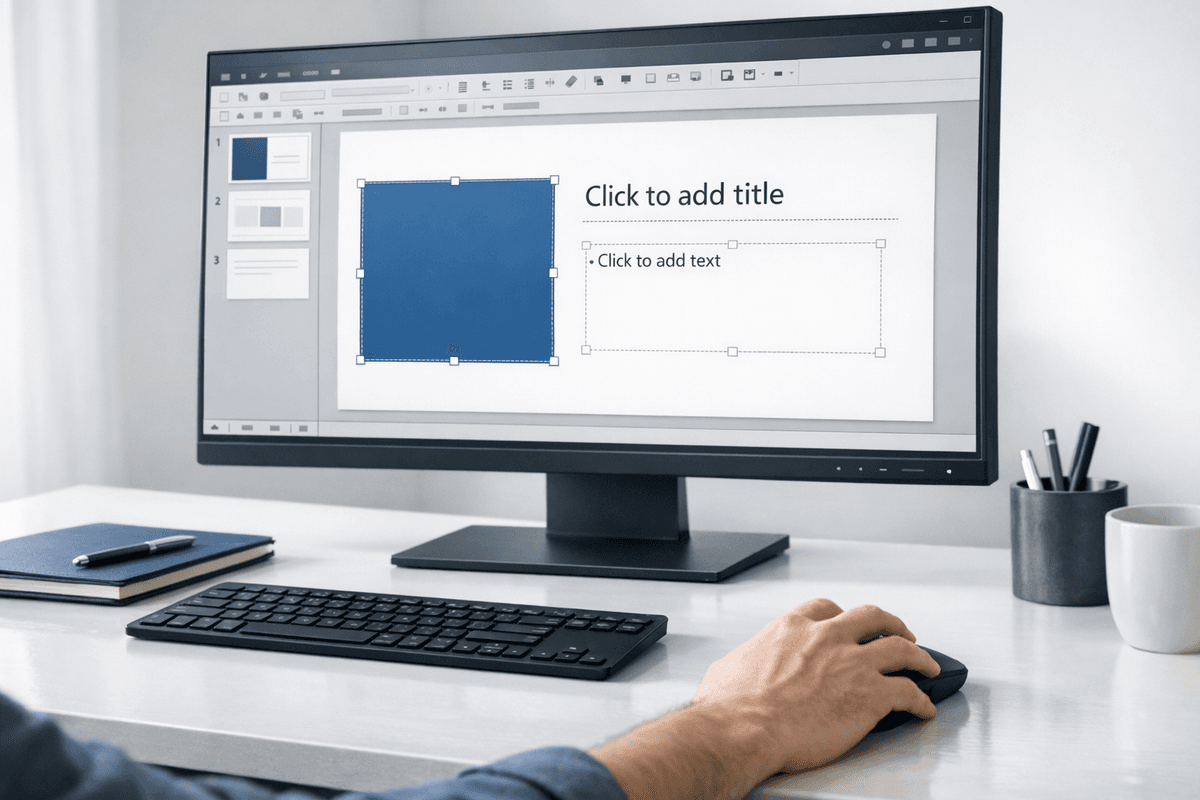
Creating presentations quickly and effectively is essential for professionals, students, and business owners.
AI PowerPoint generators have emerged as powerful tools that automate and streamline the process, allowing users to generate stunning presentations with minimal effort.
This guide will show you how to create a PowerPoint presentation using AI-powered tools and why these tools revolutionize presentation design.
What is an AI PowerPoint Generator?
An AI PowerPoint generator is an online tool leveraging artificial intelligence to help users make presentations effortlessly. This tool can design slides, suggest content, and provide creative visuals tailored to users' needs. With a few inputs, users can create professional presentations in minutes.
Whether you need a sales deck, academic presentation, or business proposal, the AI PowerPoint generator offers customizable templates, saving time and ensuring high-quality results.
Benefits of Using an AI PowerPoint Generator
1. Time-Saving
Creating a presentation manually can be time-consuming, especially when you need to focus on design, content, and structure. With an AI PPT generator, you can produce a polished presentation in a fraction of the time.
2. Easy to Use
You don’t need to be a design expert to use an AI PowerPoint generator. The tool's intuitive interface guides you through the process, making it accessible to everyone.
3. Customization
AI-powered PPT makers offer a range of templates and customization options. You can personalize your presentation from slide designs to fonts and images to match your brand or style.
4. Content Suggestions
AI tools not only help with design but also suggest relevant content. By analyzing your inputs, these generators can propose text, data, and images to make your presentation informative and engaging.
Step-by-Step Guide: How to Create a PowerPoint Presentation with AI PowerPoint Generator
You don’t need time designing slides or worrying about the structure. Follow these simple steps to generate a fully designed PowerPoint presentation on any topic.
Step 1: Access the AI PowerPoint Generator
Go to the AI PowerPoint Generator tool. You can log in to your account or access the generator directly from the homepage.
Step 2: Choose a Topic
Once you’ve accessed the tool, enter your presentation's topic or central theme. The AI will use this information to generate relevant content and design.
Step 3: Input Your Key Points
In the next step, you’ll need to provide the key points or the main content you want to include in your presentation. For example:
For a business presentation, input your agenda, objectives, and essential data.
For an educational presentation, input the main topics you want to cover.
The AI will structure this content into slides automatically.
Step 4: Customize Content (Optional)
You can review and refine the content generated by the AI. If you want to include specific details or additional points, you can add them here. However, this step is optional, as the AI PowerPoint Generator automatically optimizes the presentation for clarity and flow.
Step 5: Let the AI Design Your Slides
Once the content is set, the AI takes over the design process. It will generate visually appealing slides, selecting fonts, layouts, colours, and images that fit the theme and content of your presentation.
There's no need to adjust the design manually the AI ensures that everything is consistent and professional.
Step 6: Review the Presentation
After our AI tool has completed your presentation, take a moment to review the slides. You can quickly browse the content to ensure the slides meet your expectations.
Step 7: Download Your PowerPoint
Once satisfied with the result, click the download button to save the presentation in PowerPoint format (.pptx). Your fully designed presentation is now ready to use.
Step 8: Present with Confidence
With your AI-generated PowerPoint presentation, you're all set to deliver a polished, professional presentation. Open your PowerPoint file, and you're ready to go!
Why Use the AI PowerPoint Generator?
No Design Skills Required: The AI handles all the design work, saving time and effort.
Instant Results: Generate a presentation in minutes, perfect for last-minute deadlines.
Professional Quality: The AI ensures high-quality slide designs that suit your content and audience.
Best AI PowerPoint Generators in 2024
When selecting an AI tool, choosing one that suits your specific needs is essential. Here are some of the best AI presentation makers to consider:
Design AI: Known for its intuitive interface and design features.
Beautiful.ai: A popular choice for business presentations, offering many templates and design elements.
Zoho Show: A free AI PowerPoint generator with collaboration features ideal for teams.
Tome AI: One of the best for storytelling presentations, with AI-driven slide content.
FAQs About AI PowerPoint Generators
1. Are AI PPT generators reliable for professional presentations?
Absolutely! AI PowerPoint generators are designed to create polished, professional presentations quickly and easily. You can also customize the designs to meet your specific needs.
2. How long does creating a presentation using an AI tool take?
With an AI PPT generator, you can create a presentation in just a few minutes, depending on the complexity of the content.
Conclusion
Using an AI PowerPoint generator is a game-changer for anyone looking to create high-quality presentations without spending hours on design and content creation. Whether you need a free AI PowerPoint generator or the best AI presentation maker for advanced customization, these tools make the process effortless. Try out an online PPT maker AI today and experience the future of presentation design.