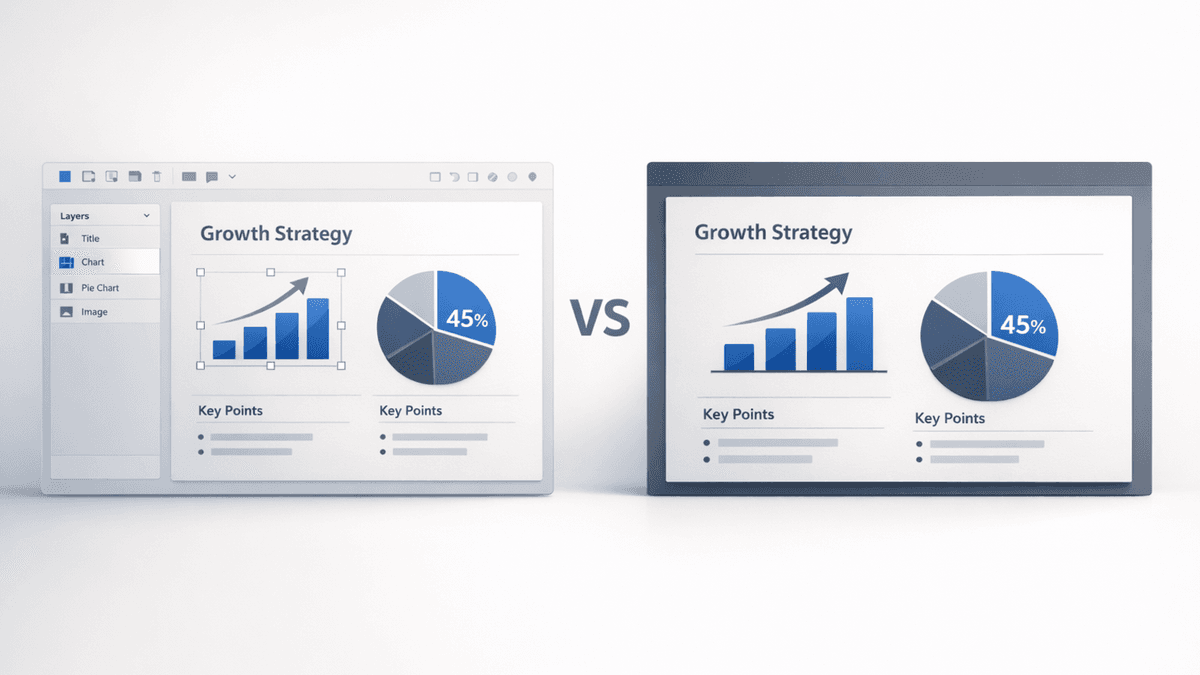
Creating a great presentation shouldn’t feel like a marathon. But suppose you’ve ever tried building a Prezi presentation under a tight deadline.
In that case, you already know the struggle zooming canvases, steep learning curves, and that lingering question: “Isn’t there an easier tool for this?”
Good news: there are plenty.
In 2025, the world of slideshow software exploded with powerful, AI-driven, easy-to-use presentation apps that deliver the same dynamic storytelling Prezi is known for without the complexity. Whether you're searching for Prezi alternatives open source, Prezi alternatives free, or something with more AI automation, this list has you covered.
Let’s dive into the 10 best Prezi alternatives worth using this year.
1. Presentia AI (Best Overall Prezi Alternative in 2025)
Overview
If Prezi feels overwhelming or time-consuming, Presentia AI is the exact opposite. It’s fast, ridiculously easy, and built for 2025.
You simply enter your topic a pitch deck, a school project, a business strategy, anything and the AI generates a complete slide deck with visuals, structure, animations, and speaker notes.
Think of it as a smart co-pilot for your presentations. It gives you Prezi-like visual storytelling but with the power of AI and zero friction.
Key Features
AI slide generator (turn text into full presentations)
Professionally designed slide deck templates
Animations similar to Prezi’s zoom style
Export to PowerPoint & PDF
Built-in content rewriting and slide redesign
Collaboration for teams
Pros
Fastest way to create a presentation
Looks modern and polished
Best Prezi-like experience with less complexity
No design expertise required
Cons
Limited offline editing
Some advanced templates require paid plan
Pricing
Free plan available
Paid plans start affordably compared to Prezi
2. Canva
Overview
Canva is the go-to for anyone who wants beautiful slides without opening complex software.
It’s simple, drag-and-drop, and filled with thousands of templates. Canva’s AI tools (Magic Design, Magic Write, Magic Switch) help you create a presentation in minutes, making it a strong Prezi competitor.
Key Features
Drag-and-drop editor
Huge template library
AI presentation generator
Real-time collaboration
Export in PPTX or PDF
Multimedia presentation support
Pros
Very beginner friendly
Massive design library
Great for social media + slides in one app
Cons
Some features locked behind Pro
Animations less dynamic than Prezi
Pricing
Free forever
Canva Pro starts with monthly plans
3. Visme
Overview
Visme is perfect for professionals who want more visual storytelling. Its templates feel premium and business-focused — ideal for marketers, trainers, and educators. While it doesn’t replicate Prezi’s zooming movement, it offers sleek transitions and dynamic visual elements.
Key Features
Infographic + presentation builder
Brand kits
Animation tools
Interactive elements
Analytics for shared presentations
Pros
Professional, modern templates
Good for data-heavy visual presentations
Cons
Takes time to learn
Some assets require paid plan
Pricing
Free basic plan
Standard and Business tiers
4. Powtoon
Overview
Powtoon feels like if Prezi and a cartoon studio had a baby. It’s built for animated presentations, explainer videos, and educational content. If your audience responds well to fun, motion-rich slides, this one’s a great pick.
Key Features
Cartoon-style animated presentations
Video presentations
Templates for education & marketing
Voiceovers + characters
Pros
Great for engagement
Ideal for YouTube or e-learning creators
Cons
Not ideal for corporate decks
Rendering can be slow
Pricing
Free version available
Paid plans vary by usage
5. Google Slides
Overview
Google Slides is the classic, free cloud-based tool nearly everyone uses. It may not offer Prezi’s zoom transitions, but it’s reliable, simple, and perfect for teams that collaborate. With recent AI enhancements in Google Workspace, Slides is better than ever.
Key Features
Real-time collaboration
Free cloud storage
Smart canvas features
Add-ons for extra functionality
Pros
100% free
Easy sharing
Works on any device
Cons
Limited visual animations
Templates not as modern
Pricing
Free for individuals
Workspace plans for teams
6. Microsoft PowerPoint (Now with Copilot AI)
Overview
PowerPoint is still the backbone of business presentations — and now with Copilot AI, it can generate Prezi-like presentations in seconds. You can even create a Prezi-like presentation in PowerPoint using Morph transitions.
Key Features
Copilot AI slide creation
Morph animation (smooth zooming)
Advanced design features
Offline editing
Huge template ecosystem
Pros
The most powerful slide design software
Works offline
Great animations
Cons
Heavier learning curve
Requires Office license
Pricing
Part of Microsoft 365 subscription
7. Pitch
Overview
Pitch is presentation software built for startup teams and modern creators. It’s sleek, collaborative, and filled with pitch-deck-worthy templates. Think “Notion meets PowerPoint.”
Key Features
Collaborative editor
Smart slide layouts
Modern template library
Workflow integrations
Version control
Pros
Great for founders
Clean, aesthetic templates
Fast editing interface
Cons
Limited animations
Fewer customization options than Canva/PowerPoint
Pricing
Free plan
Paid versions for teams
8. Beautiful.ai
Overview
If design overwhelms you, Beautiful.ai fixes that. It uses smart AI layouts that adjust automatically, keeping everything perfectly aligned. It's one of the closest alternatives to Prezi in terms of simple, visual storytelling.
Key Features
AI-powered slide formatting
Smart templates
Team collaboration
Brand control
Pros
Zero design effort
Easy learning curve
Beautiful visual presentation software
Cons
Less manual control
Some animations feel limited
Pricing
Free trial
Monthly/annual plans
9. Zoho Show
Overview
Zoho Show is part of the Zoho ecosystem — great for businesses wanting cloud presentations without big costs. It’s lighter than PowerPoint and more customizable than Google Slides.
For users looking specifically for Prezi alternatives open source, LibreOffice Impress is the strongest option. It’s fully free, customizable, and works offline. While it doesn’t offer Prezi-style zooming, it’s solid for basic slide decks.
Key Features
Open-source slideshow software
Offline editing
100% free
Works on Windows, macOS, Linux
Pros
Ideal for developers & Linux users
Reliable
No subscriptions
Cons
Outdated UI
Not visually modern
Pricing
Completely free
Comparison Table (Quick Overview)
Conclusion
If Prezi feels too complex, too expensive, or too time-consuming, you’re not alone. Thankfully, the 2025 landscape offers powerful options — from AI-driven magic like Presentia AI, to design-forward tools like Canva and Visme, to classic workhorses like PowerPoint.
The right tool depends on your style:
Want the fastest presentation creation? Presentia AI
Want beautiful drag-and-drop design? Canva
Need smart AI layouts? Beautiful.ai
Prefer open-source? LibreOffice Impress
Whatever you choose, your next presentation can be easier, faster, and much more engaging.
FAQs
1. What is the best Prezi alternative in 2025?
Presentia AI is the best overall because it automates slide creation and offers Prezi-like visual storytelling without the complexity.
2. Are there free Prezi alternatives?
Yes Canva, Google Slides, Zoho Show, and Presentia AI all offer free plans.
3. What tools work like Prezi but are easier?
Presentia AI, Canva, and Beautiful.ai provide dynamic visuals with simpler interfaces.
4. Can I create a Prezi-like presentation in PowerPoint?
Yes — using Morph transitions you can build zoom-style movement.
5. What’s the best open-source alternative to Prezi?
LibreOffice Impress is the strongest free, open-source slideshow software.
6. Which presentation apps include AI?
Presentia AI, Canva (Magic Design), PowerPoint Copilot, Google Slides, and Beautiful.ai all use AI.
7. Which Prezi alternatives work offline?
PowerPoint, LibreOffice Impress, and Presentia AI (exported files) work offline.